
Honista APK Download
Ready to download Honista on your Android phone? Get the latest APK file below, check that your device is compatible, and follow the installation steps to complete the setup.
The current download is Honista v13.0, with a file size of 152.9 MB. It requires Android 9 or above and a compatible 64-bit device.
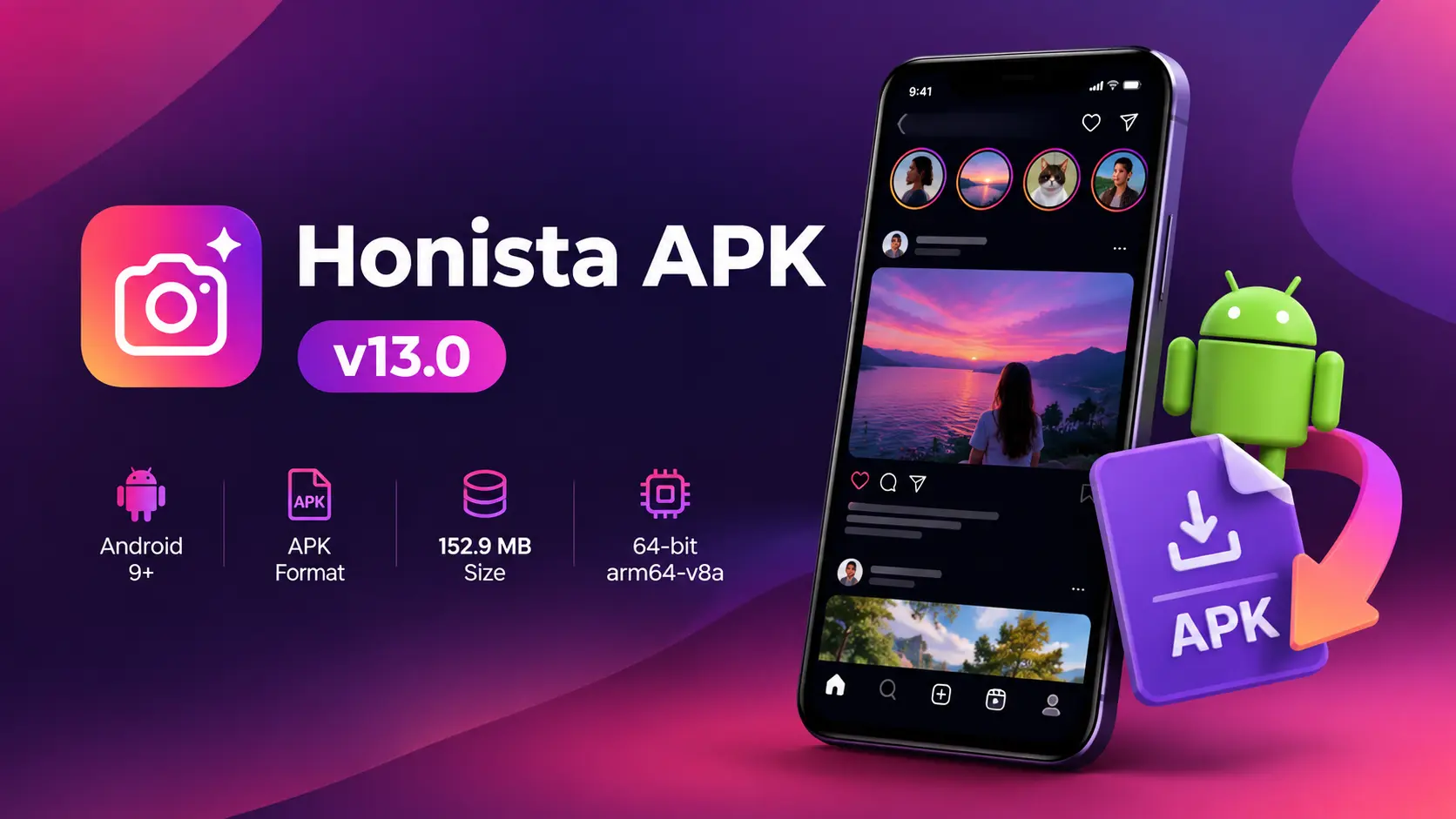
Honista APK Download Details
Check the file details before starting your download.
| Download Detail | Current File |
| Version | 13.0 |
| APK Size | 152.9 MB |
| Android Version | Android 9 or above |
| Architecture | arm64-v8a / 64-bit |
| File Type | APK |
| Price | Free |
Want to know what Honista does before downloading it? Visit our Honista APK page.
Check Your Device Before Downloading
The current APK is intended for Android 9+ devices with 64-bit architecture. Check these two details before downloading because an incompatible APK may fail during installation.
You also need enough free storage for the 152.9 MB download and the files Android creates during installation. A stable internet connection will help prevent the APK from downloading only partially.
How to Download Honista APK
Follow these steps to save the APK to your phone:
- Check that your device meets the current Android and architecture requirements.
- Make sure you have enough free storage.
- Tap the Download Honista APK button below.
- Allow your browser to download the file if Android asks for confirmation.
- Keep the browser open until the download finishes.
- Open your browser’s downloads or your phone’s Downloads folder.
- Check that the Honista APK file is there before starting the installation.
If the download stops halfway, remove the incomplete file before trying again. Installing a partially downloaded APK can cause an error
How to Install Honista APK on Android
Found the downloaded file? You can now install it manually.
- Open Files, My Files, or your phone’s File Manager.
- Go to Downloads.
- Tap the Honista APK file.
- Android may ask you to allow installation from the app that opened the APK.
- Review the request and enable the required permission.
- Return to the installer.
- Tap Install.
- Wait for Android to finish the process.
- Tap Open when the installation is complete.
Your phone manufacturer may use slightly different names for these settings, but Android normally guides you to the required permission when installation is blocked.
How to Allow APK Installation on Android
If Android blocks the Honista APK installation, allow the browser or File Manager you used to download or open the file.
- Tap Settings when the installation warning appears.
- Select the browser or File Manager you are using.
- Find Allow from this source or Install unknown apps.
- Turn the permission on.
- Return to your Downloads folder.
- Tap the Honista APK again.
- Select Install to continue.
The setting name may be slightly different on some Android phones. Once Honista is installed, you can turn the APK installation permission off again.
Where Is the Downloaded Honista APK?
Most Android browsers save APK files inside the Downloads folder.
Open your phone’s File Manager and look for Downloads or Recent Files. The file may also appear in your browser’s download history, where you can tap it directly to start installation.
Changed your browser’s download location previously? Check that folder instead.
How to Open Honista After Installation
Once the installation is complete:
- Tap Open when Android shows App installed.
- Honista will launch on your phone.
- If you already closed the installer, open your app list and find the Honista icon.
- Tap the icon to launch the app.
How to Update Your Honista Installation
When a newer Honista version is available, you can update your current installation using the latest APK.
- Download the latest Honista APK.
- Wait for the download to finish completely.
- Open the new APK from your Downloads folder.
- Tap Update when Android shows the installation screen.
- Wait for the update to finish.
- Tap Open to launch the updated version
Check that the new version is compatible with your device before installing it.
Looking for an earlier release instead? Visit our Honista APK page to find information about previous versions.
Honista APK Download and Installation Problems
If Honista does not download or install correctly, first check where the process stopped. Use the table below to find the problem and try the matching solution.
| Problem | What to Do |
| APK is not downloading | Check your internet connection and free storage. Delete any incomplete download before trying again. |
| APK is not installing | Check that your Android version and processor architecture meet the current requirements. Also make sure the APK downloaded completely. |
| Installation permission is blocked | Open the settings shown by Android and allow APK installation for the browser or File Manager you are using. |
| APK file will not open | Open the file through your File Manager. If it still does not open, delete it and download a fresh copy. |
| Download stops before finishing | Connect to a stable Wi-Fi or mobile-data connection and restart the download. Wait until it finishes before opening the APK. |
| Not enough storage | Free up some storage and try again. Android needs space for both the downloaded APK and the installation process. |
Frequently Asked Questions
Conclusion
The main thing is to check compatibility before downloading and let the APK finish completely before opening it. Once the file is saved, Android’s installer will guide you through the permission and installation process.
For information about Honista’s features, Ghost Mode, privacy controls, Lite version, MOD terminology, Instagram comparison, and other general app details, go to our Honista APK page.